Storing Your Data
Transact lets authenticated users (students, faculty, staff, and delegates) securely save credit card or ACH payment information for future use, eliminating the need to re-enter details each time. During a transaction, simply select the option to save your payment method to store it for future payments.
Instructions
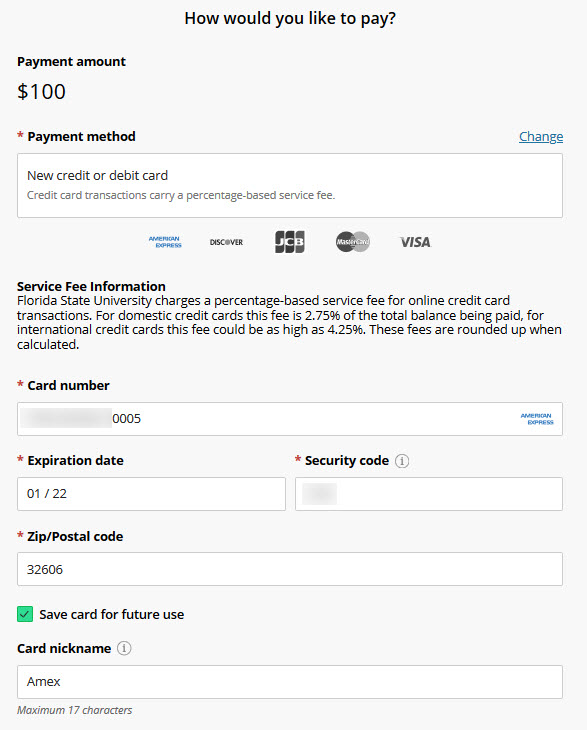
Step 1: Check the "Save Card (or Account) for Future Use" box
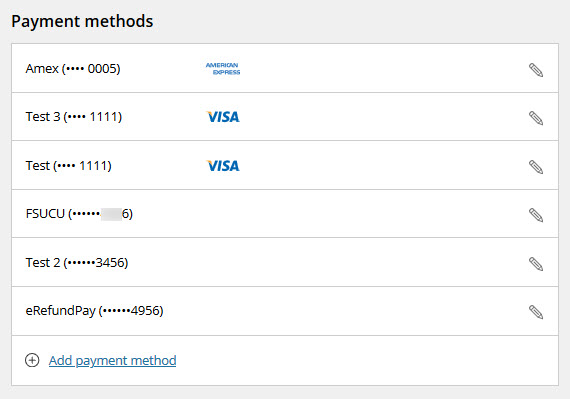
Step 2: Review stored data
You can review and modify your stored payment data on the "My Account" page under "Payment Methods"